Exterior-Facet Runtime Quadrature#
This tutorial follows python/demo/demo_boundary_sphere_perimeter.py. It is a
geometric quadrature example: the entities being cut are exterior facets of a
three-dimensional background mesh, not volume cells.
Geometry#
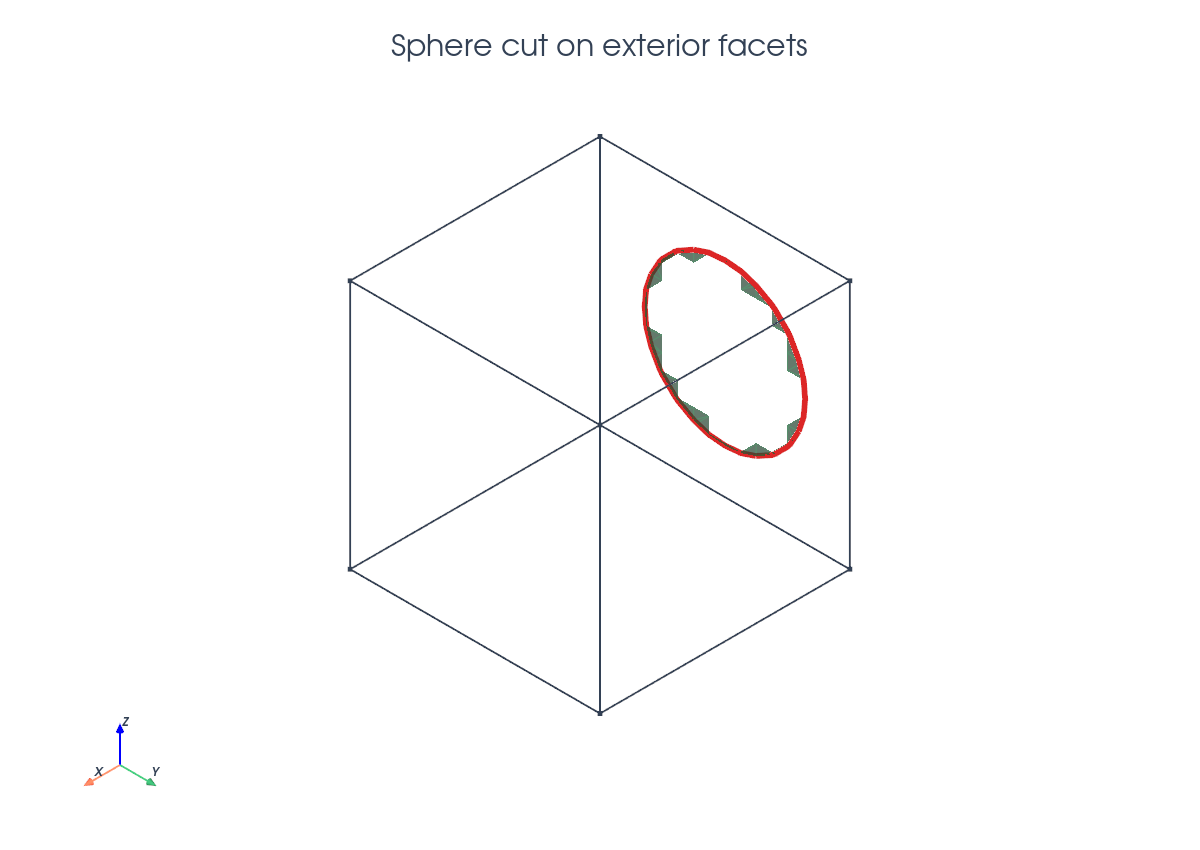
The background mesh covers the unit cube \(B=[0,1]^3\). A sphere centered outside the cube is represented by
The chosen center makes \(\phi=0\) intersect only the left boundary face. On that face the negative phase is a disk-like patch
and its boundary is the curve
Implementation Order#
The demo runs in this order:
Parse
--n,--order,--radius,--center, and optional plot flags.Validate that the sphere cuts only the left exterior face.
Build the unit-cube tetrahedral mesh and interpolate the P1 level set.
Pass the exterior facet list and facet dimension to
cutfemx.cut.Locate full negative exterior facets and cut exterior facets.
Build runtime quadrature and cut meshes for
"phi<0"and"phi=0".Assemble the standard full-facet area, cut-facet patch area, and perimeter.
Compare with the exact disk area and circle perimeter, then optionally plot.
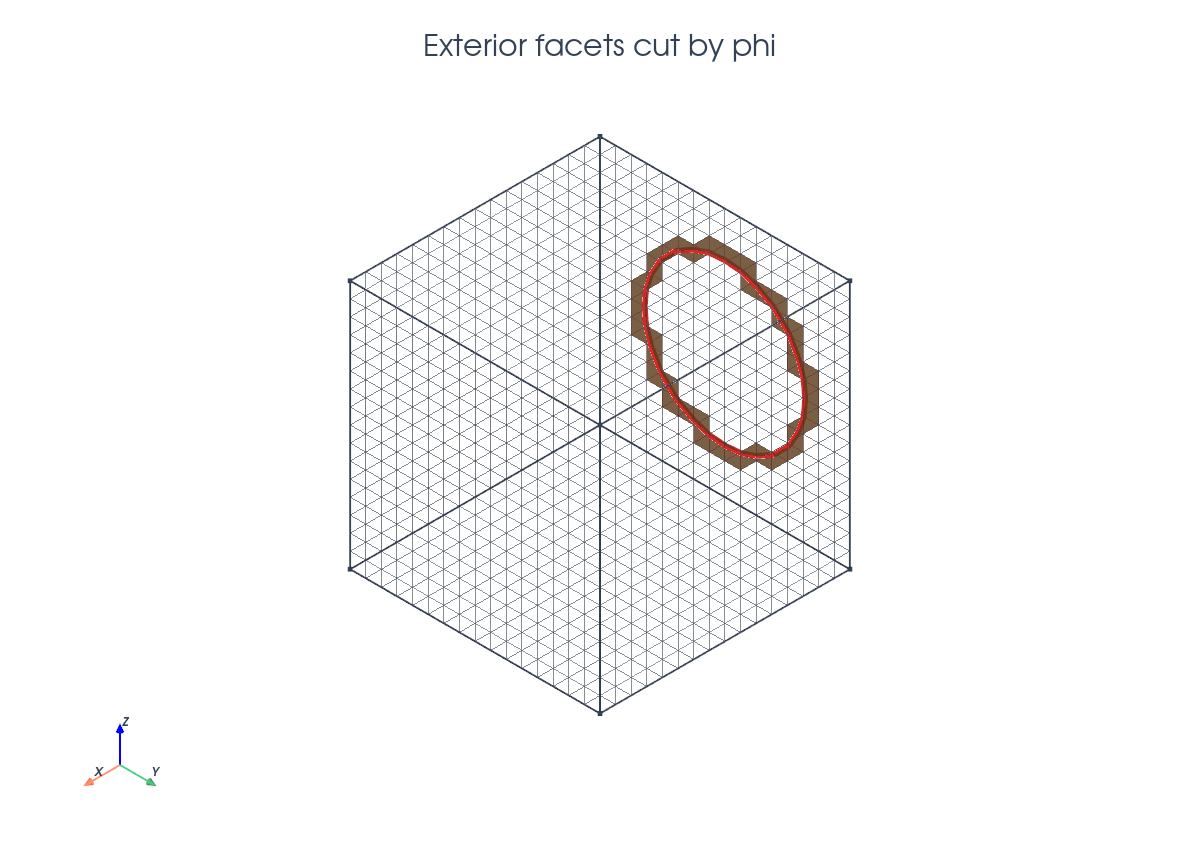
Cutting Exterior Facets#
The parent entities are exterior facets, so their dimension is passed
explicitly to cutfemx.cut.
fdim = msh.topology.dim - 1
msh.topology.create_entities(fdim)
msh.topology.create_connectivity(fdim, msh.topology.dim)

exterior_facets = mesh.exterior_facet_indices(msh.topology)
cut_data = cutfemx.cut(phi, exterior_facets, fdim)
The selectors keep their usual meaning, but now they act on boundary facets:
negative_facets = cutfemx.locate_entities(cut_data, "phi<0")
cut_facets = cutfemx.locate_entities(cut_data, "phi=0")
Patch And Curve Quadrature#
CutFEMx builds one runtime quadrature rule for the cut part of the surface
patch and one for the induced curve. Fully negative exterior facets are not
runtime rules; the demo integrates them with an ordinary meshtags-based
ds measure and then adds the cut-facet contribution.
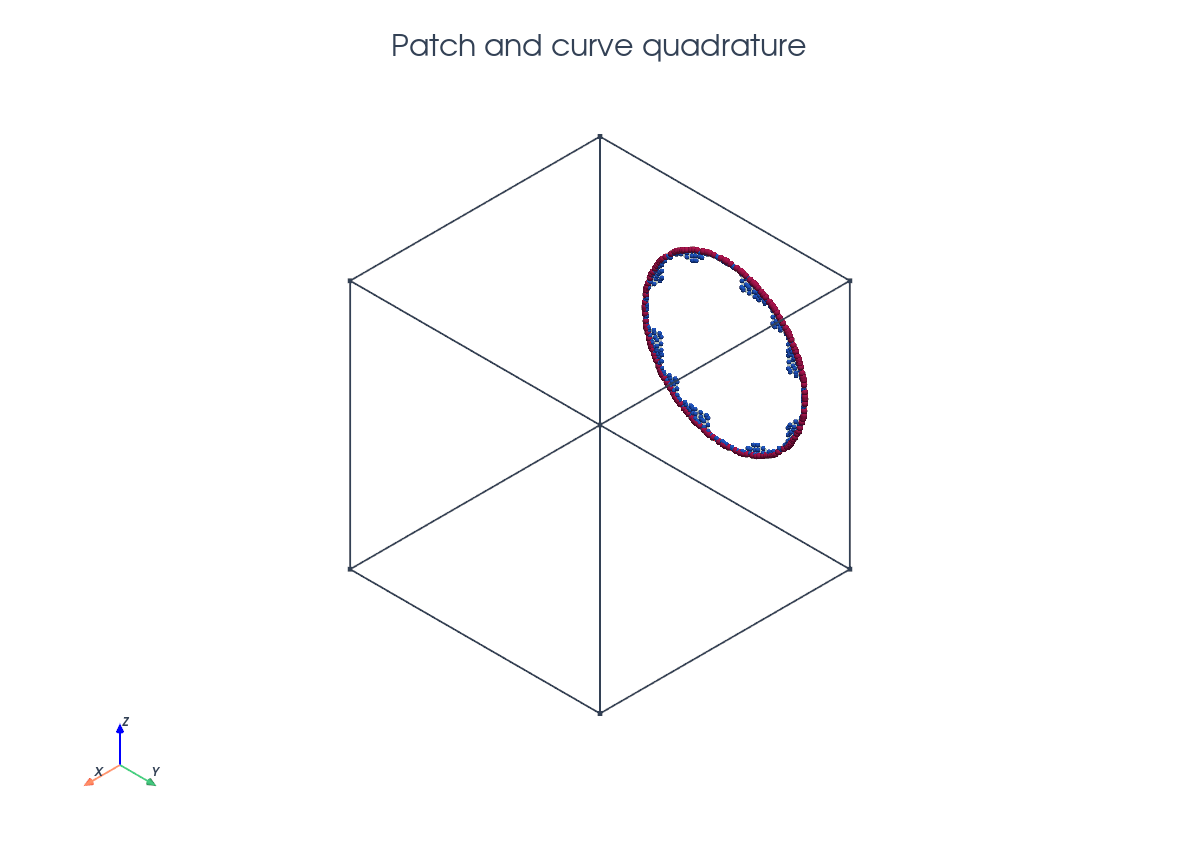
patch_rules = cutfemx.runtime_quadrature(cut_data, "phi<0", order)
curve_rules = cutfemx.runtime_quadrature(cut_data, "phi=0", order)
patch_mesh = cutfemx.create_cut_mesh(cut_data, "phi<0", mode="cut_only")
curve_mesh = cutfemx.create_cut_mesh(cut_data, "phi=0", mode="cut_only")

one = fem.Constant(msh, np.float64(1.0))
standard_tags = mesh.meshtags(
    msh, fdim, negative_facets, np.full(negative_facets.size, 1, dtype=np.int32)
)
standard_area = _assemble_scalar(
    one * ufl.Measure("ds", domain=msh, subdomain_data=standard_tags)(1)
)
ds_patch = ufl.Measure("ds", domain=msh, subdomain_id=2,
                       subdomain_data=patch_rules)
ds_curve = ufl.Measure("ds", domain=msh, subdomain_id=3,
                       subdomain_data=curve_rules)
The assembled quantities are
Only \(D_\mathrm{cut}\) uses runtime quadrature. The patch weights have area dimension, while the curve weights have length dimension.
Exact Check#
For the left face \(x=0\), the curve radius is
The exact values are therefore
The demo reports these exact values beside the assembled runtime values, making this a compact verification of exterior-facet and codimension-two quadrature.
Run The Demo#
python python/demo/demo_boundary_sphere_perimeter.py
Full Source#
The complete source remains available in the repository: python/demo/demo_boundary_sphere_perimeter.py.